


PA-25
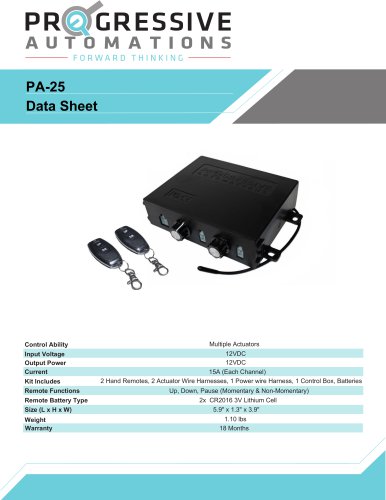
PA-25
- Input Voltage: 12VDC
- Output Power: 15A per channel
- Remote Battery Type: 2x CR2016 3V Lithium Cell
- Dimensions: 5.9" x 1.3" x 3.9"
- Weight: 1.10 lbs
- Warranty: 18 months
- 2 Hand Remotes
- 2 Actuator Wire Harnesses
- 1 Power Wire Harness
- 1 Control Box
- Batteries
- Up, Down, Pause (Momentary & Non-Momentary)
- Type: DC Motor, Bi-directional
- No. Connections: 2
- Power Supply: 120/220VAC (not included)
- RED Wire to +V, BLACK Wire to COM
- Momentary Mode: Hold UP/DOWN to extend/retract, release to stop
- Non-Momentary Mode: Press UP/DOWN to extend/retract, press again to stop
- Reversing Direction: Press DOWN while extending to retract
- Open control box, press white button, blue LED turns on
- Press any button on remote, LED turns off
- Maximum of two remotes can be saved to one control box
Catalog excerpts
Control Ability Input Voltage Output Power Current Kit Includes Remote Functions Remote Battery Type Size (L x H x W) Weight Warranty Multiple Actuators 12VDC 12VDC 15A (Each Channel) 2 Hand Remotes, 2 Actuator Wire Harnesses, 1 Power wire Harness, 1 Control Box, Batteries Up, Down, Pause (Momentary & Non-Momentary) 2x CR2016 3V Lithium Cell 5.9" x 1.3" x 3.9" 1.10 lbs 18 Months
Open the catalog to page 1
Wiring Diagram RC-13 rocker switch compatible by plugging into socket located on rear of PCB board. Power Supply (not included) Wireless remote sync button Power Cable BLACK Wire to COM ACTUATOR Type: DC Motor, Bi-directional ACTUATOR
Open the catalog to page 2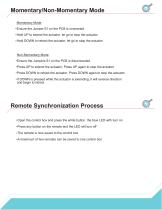
Momentary/Non-Momentary Mode Momentary Mode Ensure the Jumper S1 on the PCB is connected Hold UP to extend the actuator, let go to stop the actuator Hold DOWN to retract the actuator, let go to stop the actuator Non-Momentary Mode Ensure the Jumpers S1 on the PCB is disconnected Press UP to extend the actuator, Press UP again to stop the actuator Press DOWN to retract the actuator, Press DOWN again to stop the actuator If DOWN is pressed while the actuator is extending, it will reverse direction and begin to retract Remote Synchronization Process Open the control box and press the white button....
Open the catalog to page 3All Progressive Automations catalogs and brochures
 FLTCON-3
3 Pages
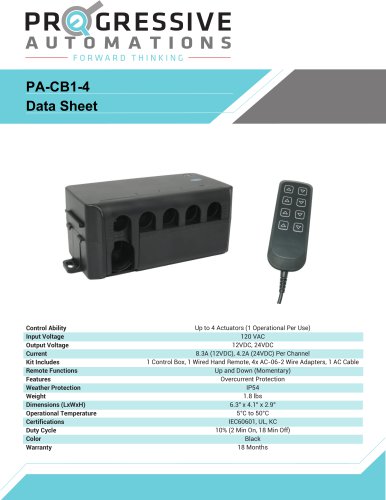 PA-CB1-4
2 Pages
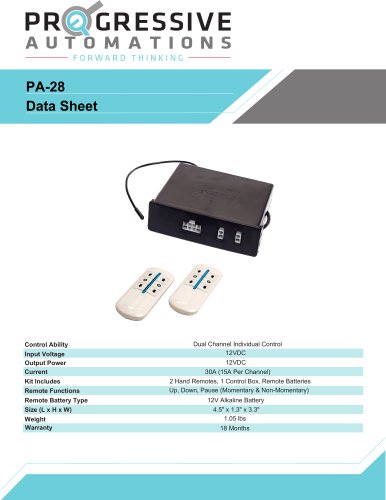 PA-28
PA-283 Pages
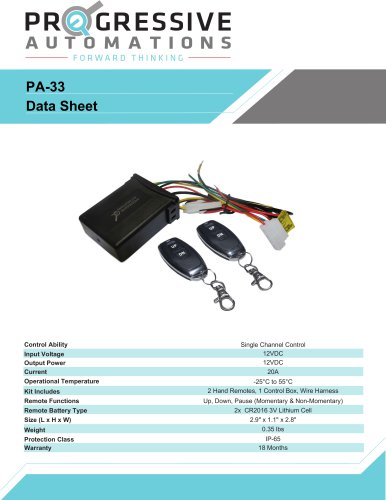 PA-33
PA-333 Pages
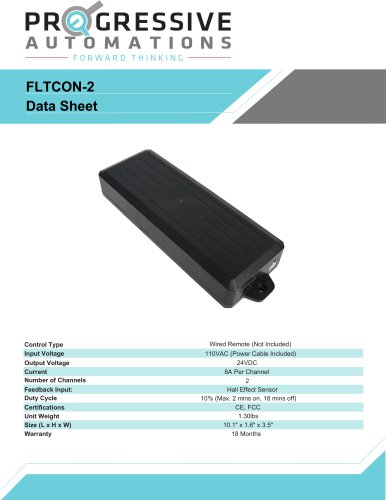 FLTCON-2
4 Pages
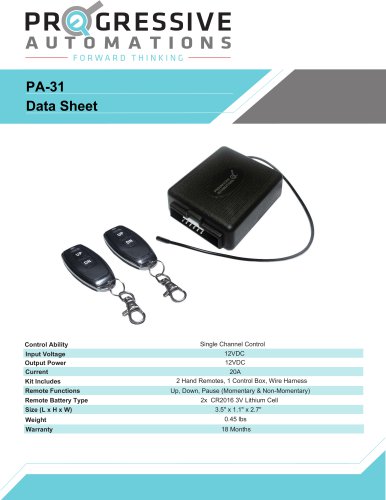 PA-31
PA-313 Pages
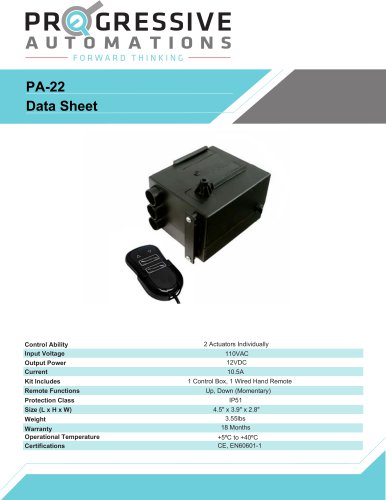 PA-22
PA-222 Pages
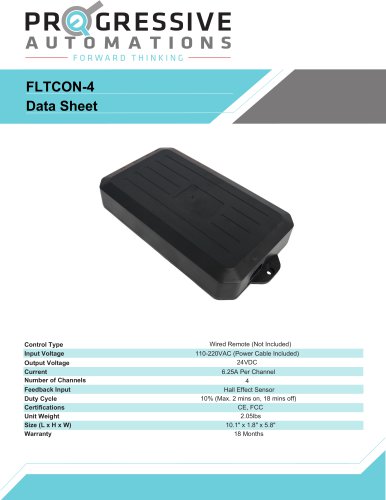 FLTCON-4
3 Pages
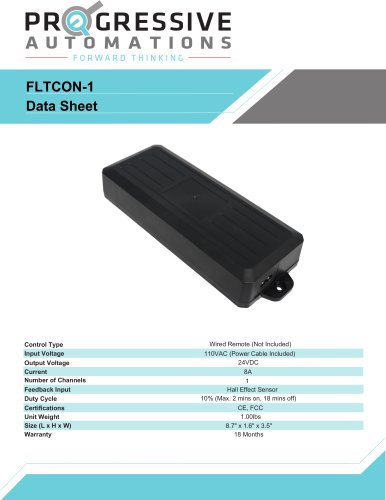 FLTCON-1
3 Pages
 PA-20
PA-202 Pages
 PA-30
PA-303 Pages
 PA-04 Data sheet
10 Pages
 PA-13 Data sheet
8 Pages
 FLT-11 Data sheet
8 Pages
 PA-01 Data sheet
7 Pages
 PA-06 Data sheet
7 Pages