

TPD touchpad
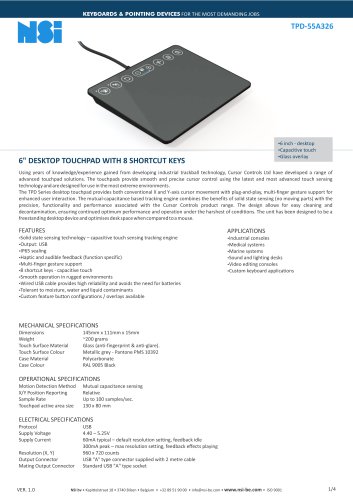
TPD touchpad
The TPD-55A326 is a 6-inch desktop touchpad developed by Cursor Controls Ltd, designed for demanding environments. It features advanced touch sensing technology for precise cursor control and is suitable for industrial, medical, marine, and other applications.
Features
- Capacitive touch sensing with solid-state technology.
- USB output with IP65 sealing for protection against dust and water.
- Haptic and audible feedback for user interaction.
- Multi-finger gesture support and 8 capacitive shortcut keys.
- Durable glass overlay with anti-fingerprint and anti-glare properties.
Mechanical Specifications
- Dimensions: 145mm x 111mm x 15mm.
- Weight: ~200 grams.
- Case Material: Polycarbonate, RAL 9005 Black.
Operational Specifications
- Motion Detection: Mutual capacitance sensing.
- Sample Rate: Up to 100 samples/sec.
- Active Area Size: 130 x 80 mm.
Electrical Specifications
- Protocol: USB.
- Supply Voltage: 4.40 – 5.25V.
- Supply Current: 60mA typical, 300mA peak.
Environmental Specifications
- Operating Temperature: 0° to 70°C.
- Storage Temperature: -40° to +85°C.
- Sealing Level: IP65.
Compatibility
Compatible with Windows, Linux, Mac OS, and Android, fully compliant with USB 2.0 and HID specifications.
Additional Features
- Ballistic and Inertia Tracking algorithms for enhanced cursor control.
- Gesture recognition for intuitive multi-finger operations.
- Panel lock feature for cleaning purposes.
Feedback
- Haptic and audio feedback for various user interactions.
Contact Information
Manufactured by Cursor Controls Ltd, UK, with European sales and service center at NSI bvba, Belgium.
Catalog excerpts
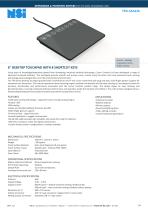
KEYBOARDS & POINTING DEVICES FOR THE MOST DEMANDING JOBS Using years of knowledge/experience gained from developing industrial trackball technology, Cursor Controls Ltd have developed a range of advanced touchpad solutions. The touchpads provide smooth and precise cursor control using the latest and most advanced touch sensing technology and are designed for use in the most extreme environments. The TPD Series desktop touchpad provides both conventional X and Y-axis cursor movement with plug-and-play, multi-finger gesture support for enhanced user interaction. The mutual-capacitance based tracking engine combines the benefits of solid state sensing (no moving parts) with the precision, functionality and performance associated with the Cursor Controls product range. The design allows for easy cleaning and decontamination, ensuring continued optimum performance and operation under the harshest of conditions. The unit has been designed to be a freestanding desktop device and optimises desk space when compared to a mouse. APPLICATIONS •Industrial consoles •Medical systems •Marine systems •Sound and lighting desks •Video editing consoles •Custom keyboard applications FEATURES •Solid state sensing technology - capacitive touch sensing tracking engine •Output: USB • Haptic and audible feedback (function specific) • Multi-finger gesture support •8 shortcut keys - capacitive touch •Smooth operation in rugged environments •Wired USB cable provides high reliability and avoids the need for batteries •Tolerant to moisture, water and liquid contaminants •Custom feature button configurations / overlays available Touch Surface Material Touch Surface Colour Case Material Case Colour Glass (anti-fingerprint & anti-glare). Metallic grey - Pantone PMS 10392 Polycarbonate RAL 9005 Black Motion Detection Method X/Y Position Reporting Sample Rate Touchpad active area size Mutual capacitance sensing Relative ELECTRICAL SPECIFICATIONS Protocol Supply Voltage Supply Current Output Connector Mating Output Connector 60mA typical - default resolution setting, feedback idle 300mA peak - max resolution setting, feedback effects playing 960 x 720 counts USB "A" type connector supplied with 2 metre cable Standard USB "A" type socket NSI bv • Kapittelstraat 18 • 3740 Bilzen • Belgium • +32 89 51 90 00 • [email protected] • www.nsi-be.com • ISO 9001
Open the catalog to page 1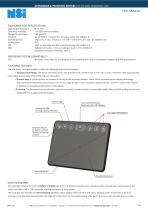
KEYBOARDS & POINTING DEVICES FOR THE MOST DEMANDING JOBS TPD-55A326 ENVIRONMENTAL SPECIFICATIONS Operating Temperature Operating Humidity Storage Temperature Vibration Operating Shock Sealing Level ESD EMC 15g/11ms, 4 sine, 3 shocks in +ve and -ve direction, all 3 axes, IEC 60068-2-27) IP65 15kV air-discharge and 8kV contact discharge (IEC 61000-4-2) Radiated immunity - limits according to level 3 of IEC 61000-4-3 Radiated emissions to EN55022 class B USB Windows, Linux, Mac OS, and Android. Fully compliant with USB 2.0 framework (chapter 9) & HID specifications The TPD Series touchpad module...
Open the catalog to page 2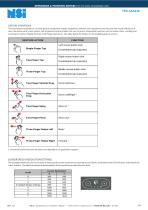
KEYBOARDS & POINTING DEVICES FOR THE MOST DEMANDING JOBS GESTURE OPERATIONS The touchpad incorporates an in-built gesture recognition engine designed to enhance user experience and increase the overall efficiency of user interaction with a host system. Use of gesture control enables the user to access frequented functions such as button clicks, scrolling and zooming by means of highly intuitive multi-finger operations. See table below for details on the available gesture actions. 1. Horizontal scroll and zoom functions are dependent on application support. CURSOR SPEED / RESOLUTION SETTINGS The...
Open the catalog to page 3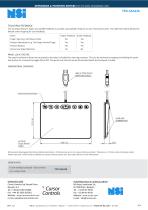
KEYBOARDS & POINTING DEVICES FOR THE MOST DEMANDING JOBS TOUCHPAD FEEDBACK The touchpad features haptic and audible feedback to provide a perceptible response to user interaction events. The table here below details the default event mapping for user feedback; Event Finger Taps (e.g. Left Mouse Click) Gesture Operations (e.g. Two finger Vertical Drag) Feature Buttons Active Area Edge Detection Haptic Feedback Audio Feedback No Yes Yes Yes Yes Yes Yes No PANEL LOCK FEATURE The panel lock feature allows the touchpad to be locked / disabled for cleaning purposes. This can be achieved by tapping...
Open the catalog to page 4All NSI catalogs and brochures
 RKTE106
3 Pages
 TPP touchpad
6 Pages
 TSW50
TSW502 Pages
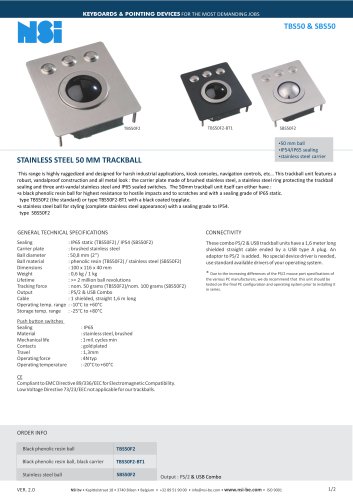 TBS50_SBS50
2 Pages
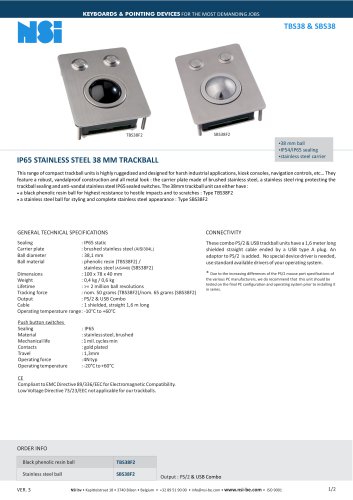 TBS38_SBS38
2 Pages
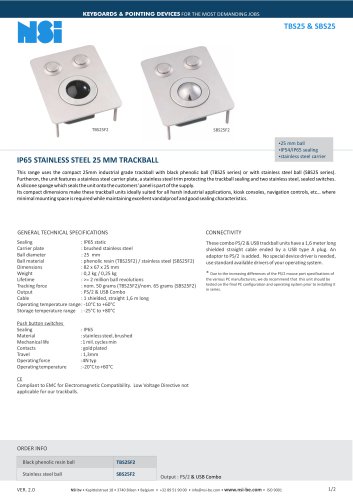 TBS25_SBS25
2 Pages
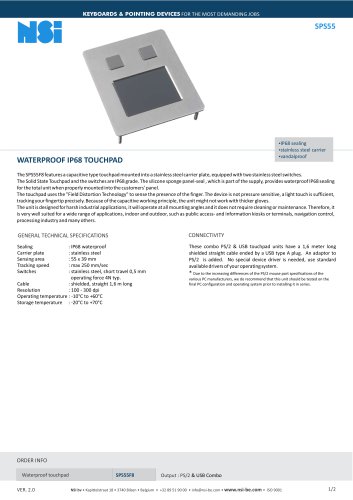 SPS55
SPS552 Pages
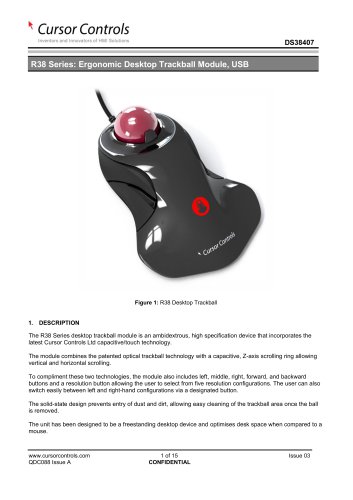 R38
R3815 Pages
 IEC60945_TSX50C1
2 Pages
 IEC60945_TSX50 desktop
2 Pages
 IEC60945_TSX50
5 Pages
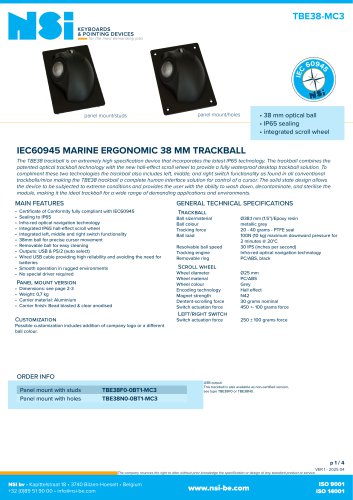 IEC60945_TBE38
4 Pages
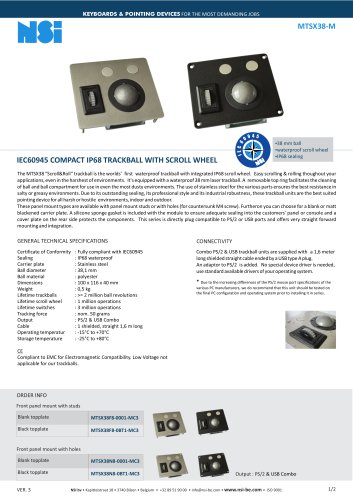 IEC60945_MTSX38
2 Pages
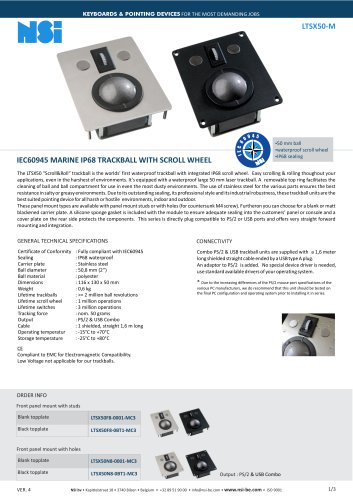 IEC60945_LTSX50
3 Pages
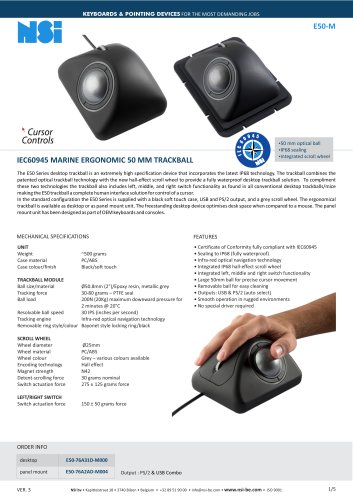 IEC60945_E50
5 Pages
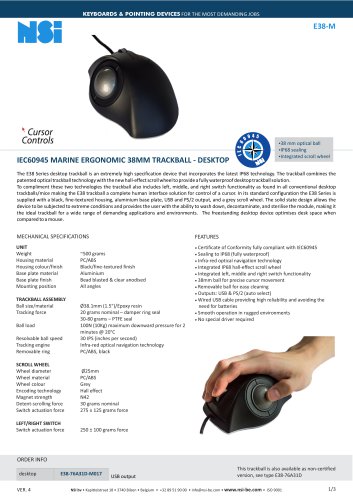 IEC60945_E38
3 Pages
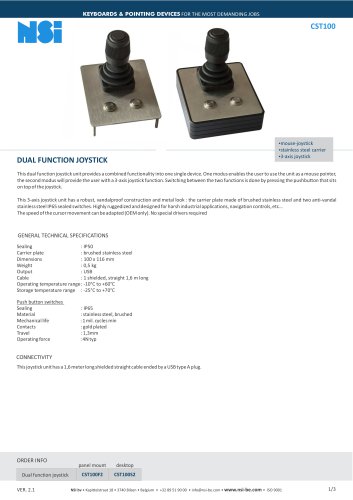 CST100
3 Pages
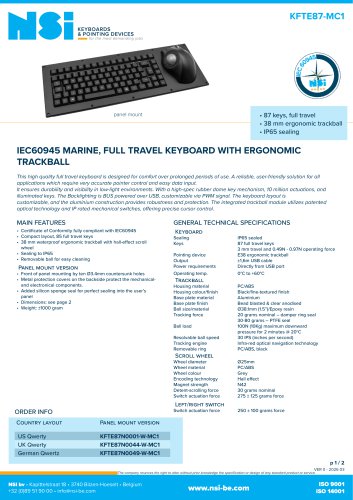 IEC60945_KFTE87
2 Pages
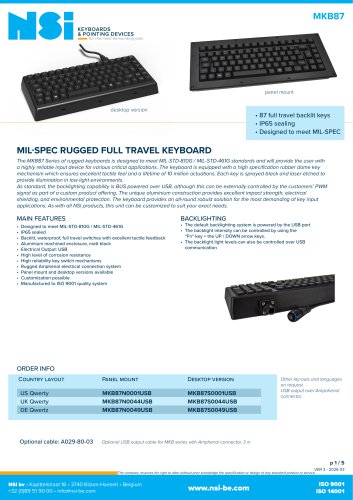 MKB87
MKB875 Pages
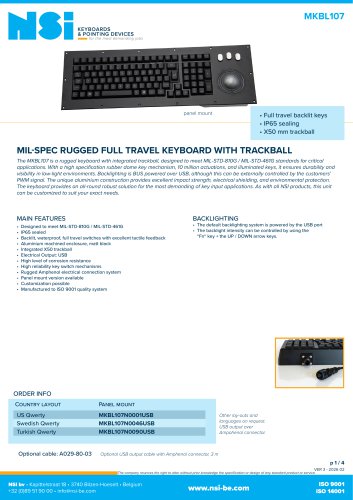 MKBL107
4 Pages
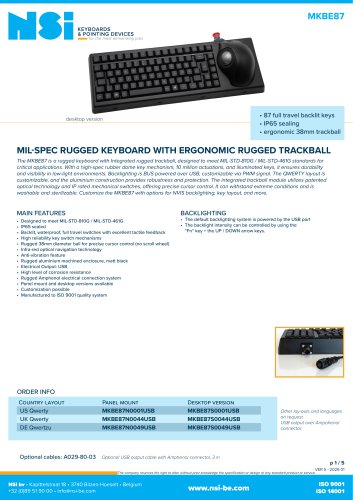 MKBE87
5 Pages
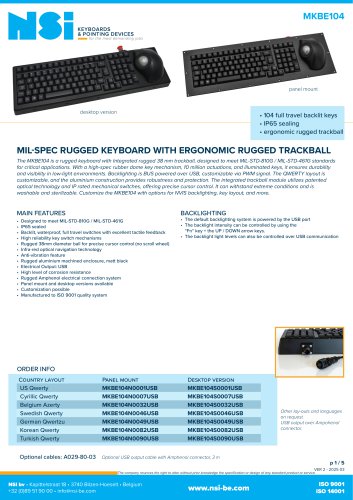 MKBE104
5 Pages
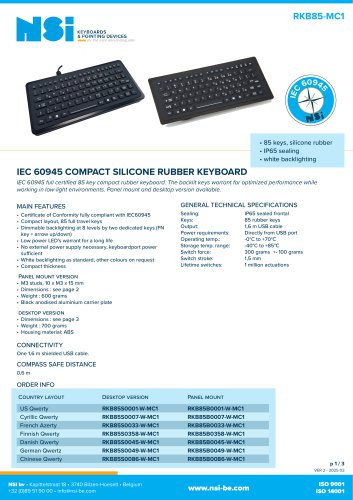 IEC60945_RKB85
3 Pages
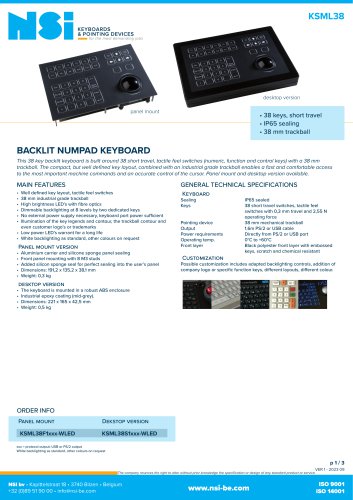 KSML38
3 Pages
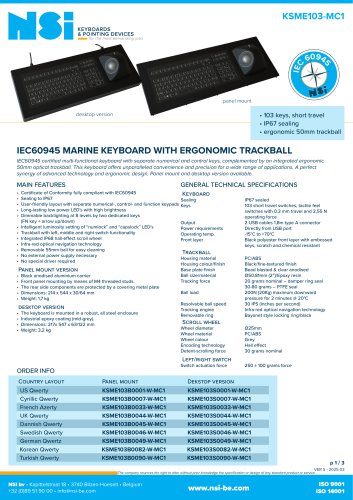 IEC60945_KSME103
3 Pages
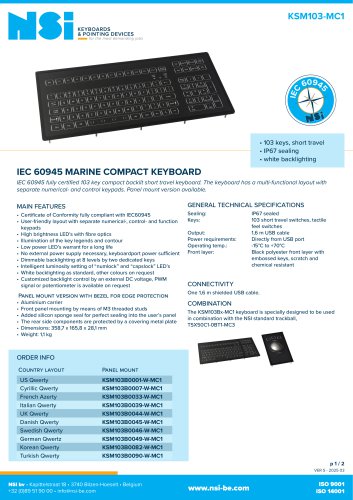 IEC60945_KSM103
2 Pages
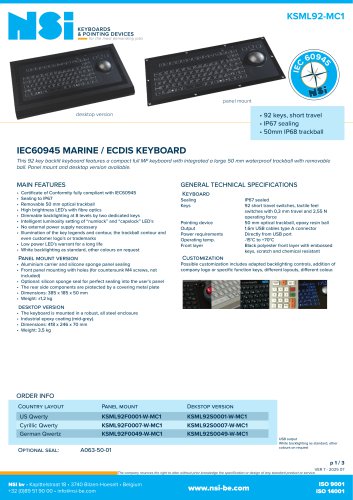 IEC60945_KSML92
3 Pages
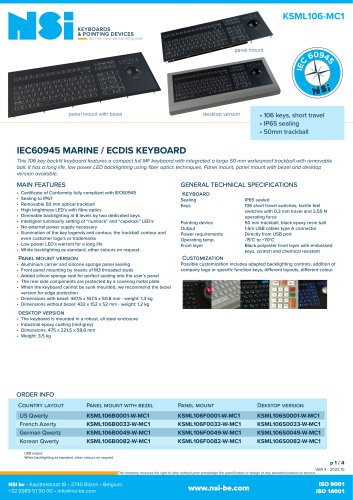 IEC60945_KSML106
4 Pages
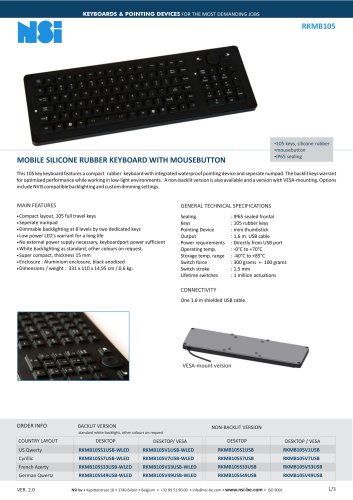 RKMB105
3 Pages
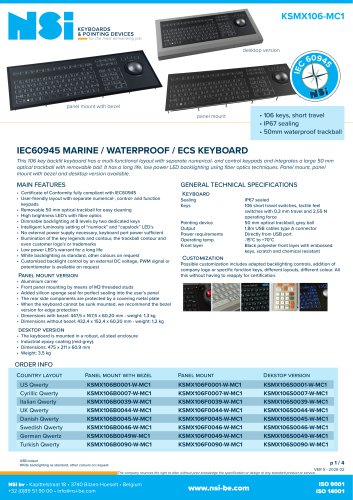 IEC60945_KSMX106
4 Pages
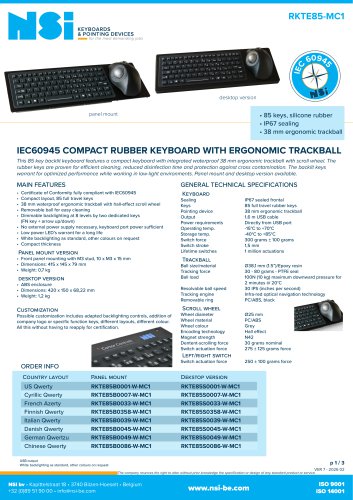 IEC60945_RKTE85
3 Pages
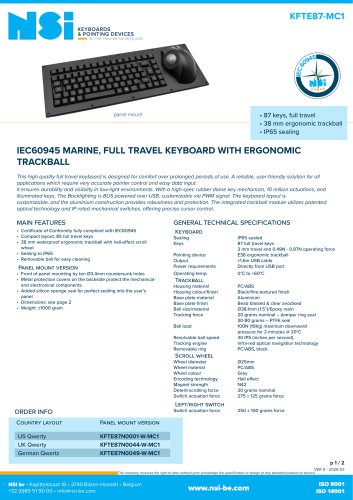 IEC60945_KFTE87
2 Pages
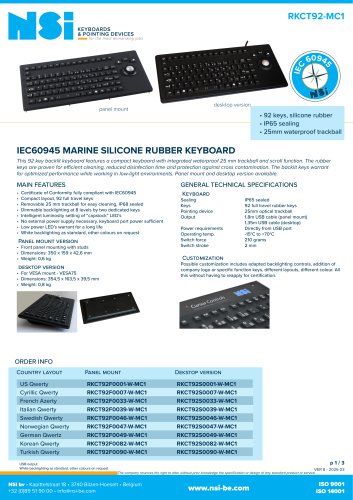 IEC60945_RKCT92
3 Pages
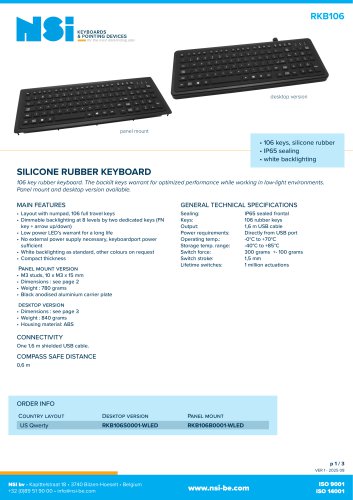 RKB106
3 Pages
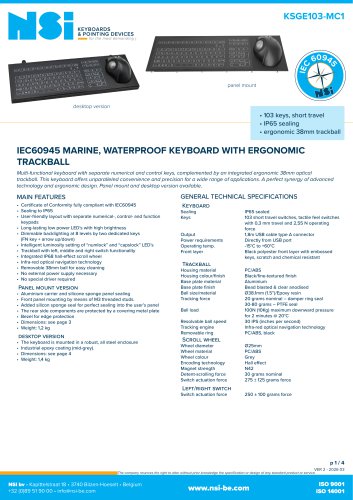 IEC60945_KSGE103
4 Pages
- Boat joystick
- Multi-function joystick
- NSI waterproof trackball
- NSI USB trackball
- NSI ship trackball
- NSI panel-mount trackball
- Ship keyboard
- USB keyboard
- Keyboard with trackball
- NSI ship computer keyboard
- NSI computer keyboard with trackball
- IP65 keyboard
- Waterproof keyboard
- NSI USB computer keyboard
- Panel-mount keyboard
- IP68 computer keyboard
- Video camera joystick
- IP67 computer keyboard